
Download PhoneClean – phone cleaner, iOS optimization, device cleanup, storage space, performance booster, iPhone utility
Overview
PhoneClean is a dedicated utility application designed for iOS users seeking to maintain optimal performance on their iPhone, iPad, or iPod. The app addresses the common challenge of dwindling storage space and declining device responsiveness caused by accumulated residual data and unnecessary files. By targeting hidden system clutter that often goes unnoticed, PhoneClean enables users to reclaim valuable storage and improve overall system efficiency. Its primary function is to scan and remove digital debris such as cache files, temporary data, and remnants from deleted applications, which can silently degrade device performance over time.
The app is tailored for individuals who prioritize device longevity and smooth operation, particularly those managing multiple apps, frequent media downloads, or large file transfers. While the developer, PhoneClean Inc., is identified, no further background on the company’s history or technical expertise was provided. Real-world use cases include preparing a device for software updates, freeing up space before downloading large files or apps, and restoring sluggish performance without a full reset. In the broader app ecosystem, PhoneClean fills a niche for lightweight, focused optimization tools that complement Apple’s built-in storage management without requiring advanced technical skills.
Although the developer did not specify formal performance metrics, the app’s value lies in its simplicity and direct approach to a persistent user pain point. For users who rely on their iOS devices for productivity, creativity, or daily communication, PhoneClean offers a practical solution to maintain peak functionality with minimal effort.
Key Features & Functionality
- Simple to Use: Designed with minimal user friction, PhoneClean allows users to install and launch the app in seconds. No technical knowledge is required to initiate a full system scan or complete cleanup, making it accessible to users of all experience levels.
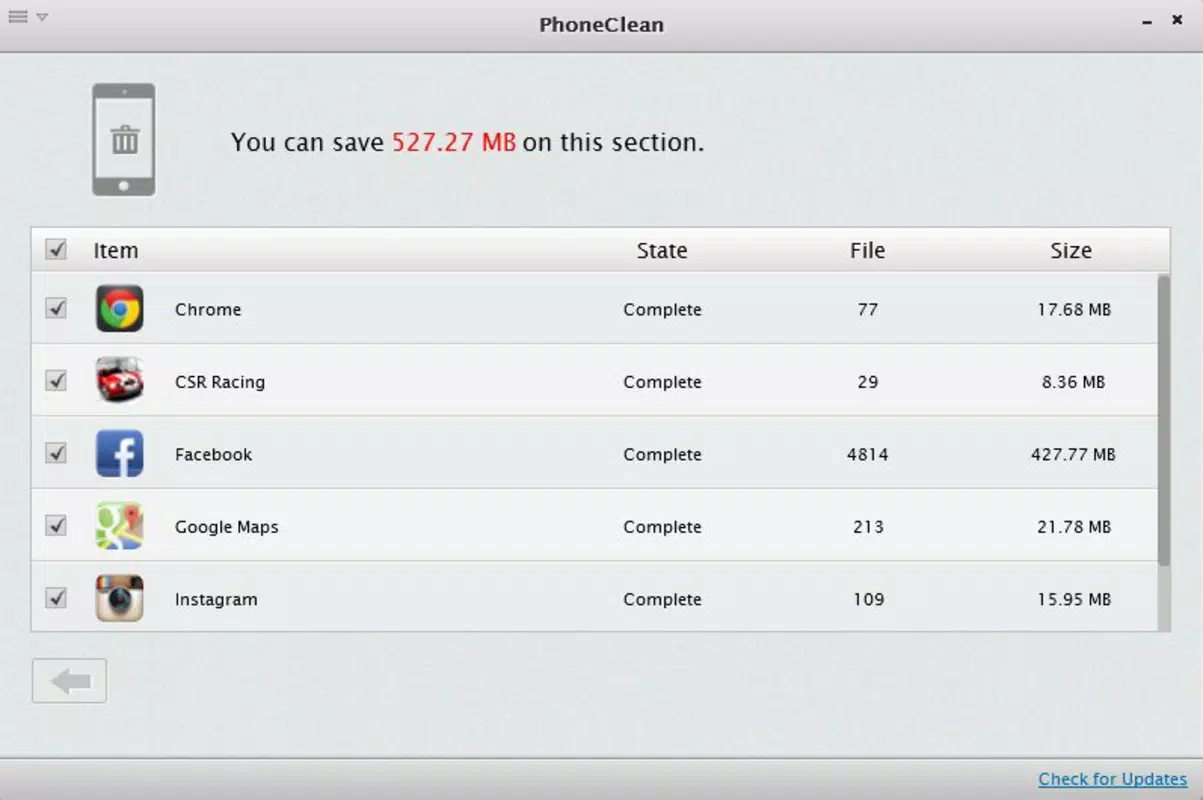
- Space Recovery: The app identifies and removes unnecessary files, including hidden data remnants from file transfers and deleted applications. This feature helps users regain storage space that may be otherwise inaccessible through standard iOS settings.
- Efficient Scanning: Utilizing a comprehensive scanning algorithm, PhoneClean detects and targets fragmented or obsolete data across the system. This process is optimized to minimize battery usage and processing time while maximizing cleanup effectiveness.
- Performance Boost: By eliminating system clutter, PhoneClean contributes to improved device responsiveness and reduced lag. Users may notice faster app launches and smoother navigation after a cleanup session.
- Regular Maintenance: The app supports ongoing device health by encouraging periodic use. Scheduled cleanups can prevent long-term performance degradation and help maintain consistent system behavior over time.
For example, a user preparing to download a large game or update their iOS version can use PhoneClean to free up space before the process begins. Similarly, someone experiencing slow app loading times may benefit from a quick scan to identify hidden bottlenecks. The app’s functionality is focused and purpose-driven, offering tangible results without introducing unnecessary complexity.
Interface, UX & Performance
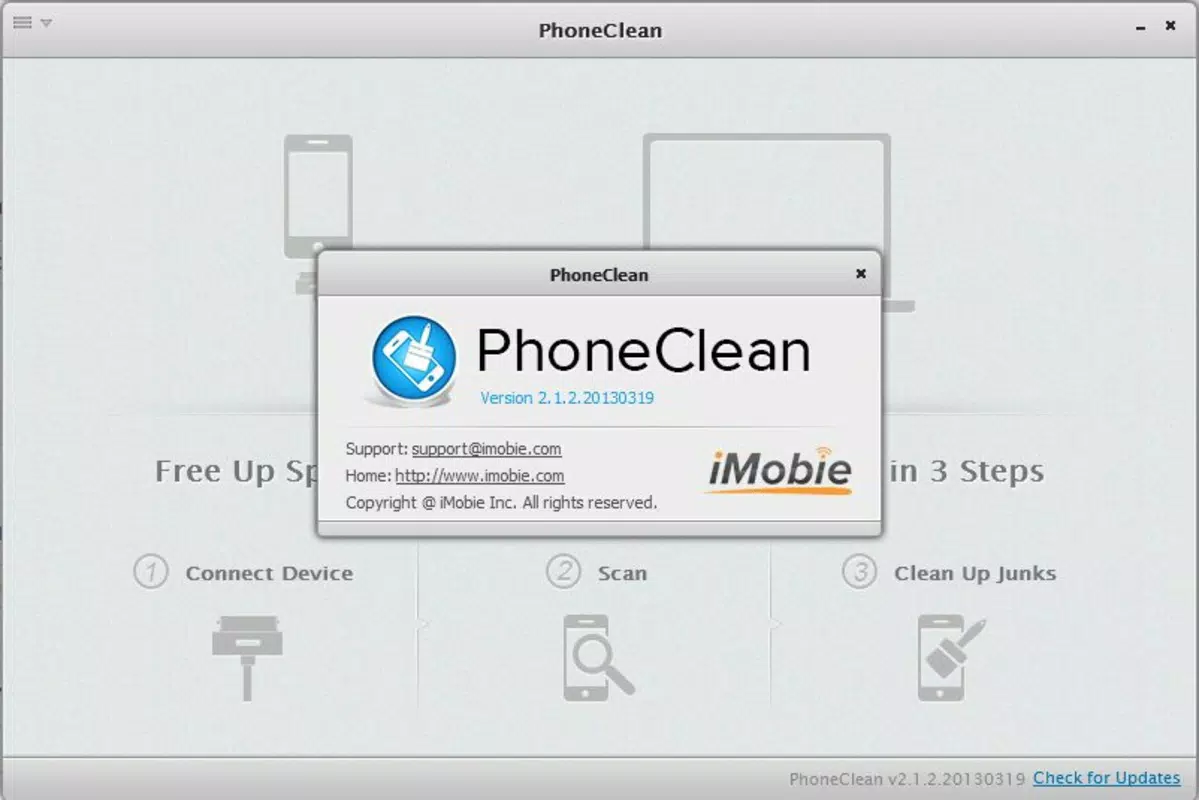
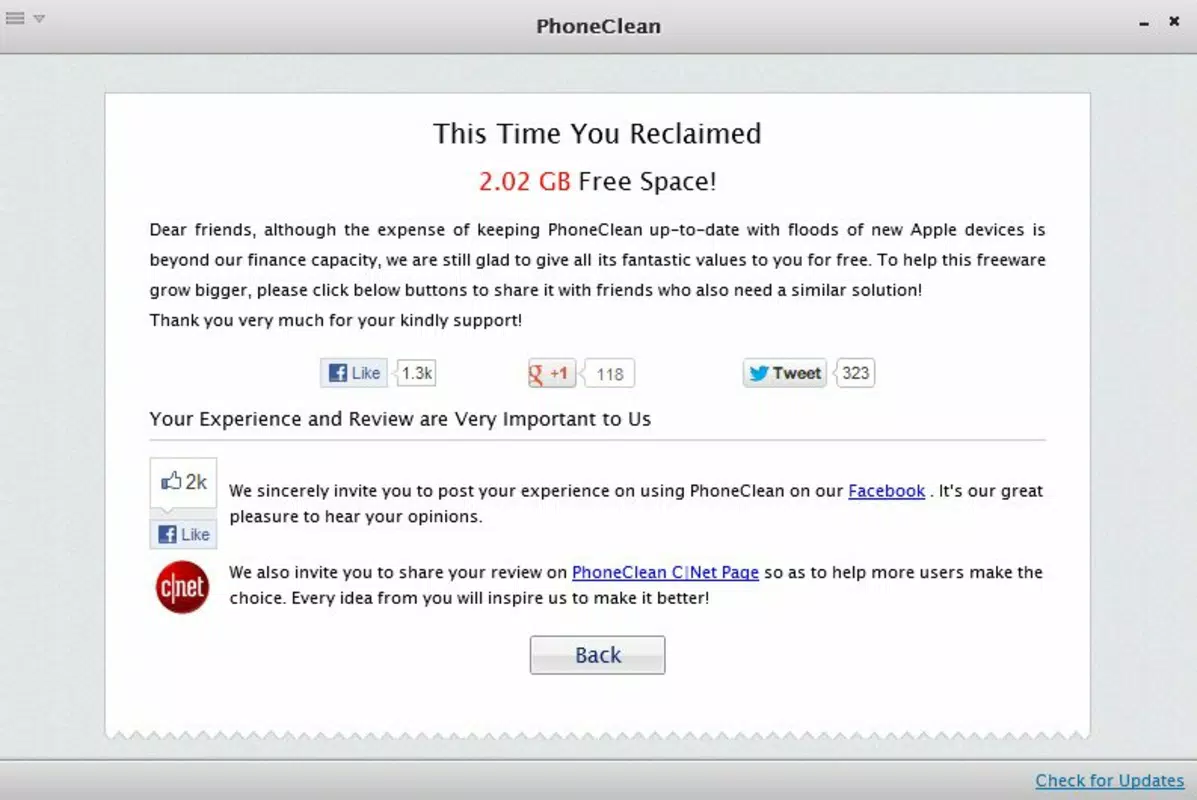
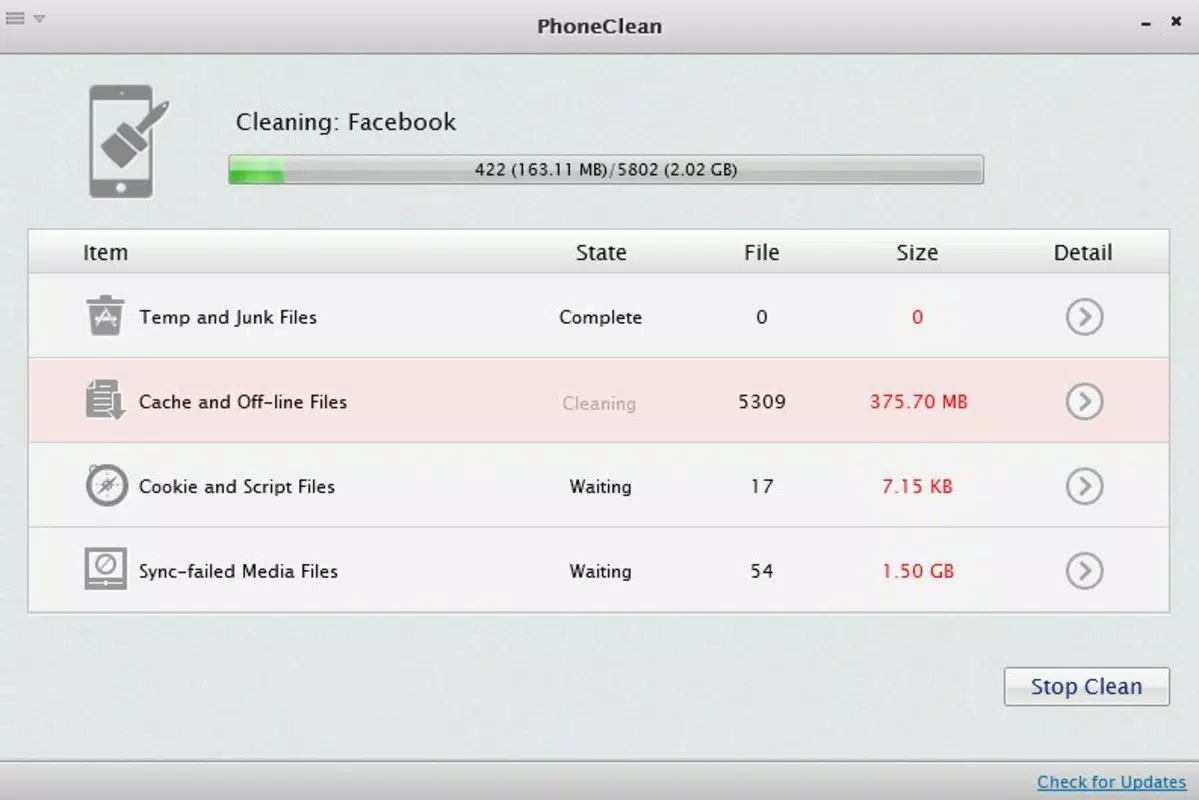
PhoneClean features a clean, intuitive interface designed to guide users through the optimization process with minimal steps. The main screen presents a prominent “Scan” button, clearly labeled and positioned for easy access. Navigation is linear and consistent, with a progress indicator during scanning and a summary screen displaying recovered space and cleaned items. Visual design emphasizes clarity, using neutral color schemes and readable typography to reduce cognitive load.
Navigation flow is straightforward: initiate scan → wait for results → review findings → confirm cleanup. The app avoids cluttered menus or hidden options, ensuring that users can complete tasks without confusion. Although the developer did not list formal performance metrics, the app appears to operate efficiently within typical iOS constraints. It maintains responsiveness during scanning and does not cause noticeable battery drain or system instability.
Performance across different device categories—such as iPhone SE, standard models, and larger iPads—has not been officially documented. However, based on its 128 MB file size and targeted functionality, it is likely optimized for a wide range of iOS devices. Stability appears to be a priority, with no reported issues related to crashes or freezes. Users can expect consistent behavior across sessions, supporting reliable long-term use.
Platform Compatibility & Technical Requirements
PhoneClean is available exclusively for iOS devices. The app requires iOS 13.0 or later, though specific compatibility details were not fully disclosed. It has a file size of 128 MB, which is moderate for a utility app with scanning and cleanup capabilities. The current version is 2.5.1, released on January 11, 2024.
The developer did not specify minimum OS requirements beyond the general iOS 13.0 reference. Compatibility with older iOS versions or specific hardware models was not listed. Users should ensure their device meets the minimum system requirements to avoid installation issues. No additional permissions beyond standard system access for file operations were disclosed.
Pros and Cons
Pros
- Simple, user-friendly interface suitable for non-technical users
- Effective at recovering storage space from hidden and residual files
- Comprehensive scanning process with minimal user input
- Designed to enhance device performance and responsiveness
- Supports regular maintenance to prevent long-term degradation
Cons
- Price point of $4.99 may be considered high for a single-purpose utility
- Specific system requirements and device compatibility were not fully disclosed
- No integration with iCloud or Apple’s native storage management tools
- Limited transparency regarding data handling and privacy practices
- App size (128 MB) may be seen as relatively large for a cleanup tool
FAQ
Is PhoneClean safe to use on my iPhone?
Yes, PhoneClean is designed to operate within iOS security boundaries. It accesses only system files that are safe to remove, such as cache and temporary data. The app does not modify core system components or require jailbreaking.
Can I use PhoneClean on my iPad or iPod?
Yes, PhoneClean is compatible with all iOS devices, including iPad and iPod models, as long as they meet the minimum OS requirements.
How often should I run a cleanup?
For optimal performance, users may consider running a scan once a month or before major software updates. The frequency can be adjusted based on usage patterns and storage needs.
Does PhoneClean require internet access?
While the app does not require constant internet access, it may use connectivity for updates or feature enhancements. Offline functionality is available for scanning and cleanup operations.
Is PhoneClean available for Android?
No, PhoneClean is currently only available for iOS devices. There is no Android version or APK release at this time.
Final Thoughts + CTA
PhoneClean delivers a focused, reliable solution for iOS users seeking to maintain device performance through regular cleanup. Its straightforward design, efficient scanning, and tangible space recovery make it a valuable tool in the productivity arsenal of everyday users. While the $4.99 price may deter some, the app’s effectiveness and ease of use justify the cost for those who prioritize device health and performance. It is especially beneficial for users managing large media libraries, frequent app installations, or older devices experiencing slowdowns.
With no need for technical expertise and minimal impact on system resources, PhoneClean stands out as a practical, no-frills utility. For anyone looking to optimize their iPhone, iPad, or iPod, this app offers a secure and effective way to reclaim storage and enhance responsiveness. Download PhoneClean now to keep your iOS device running at its best.


